
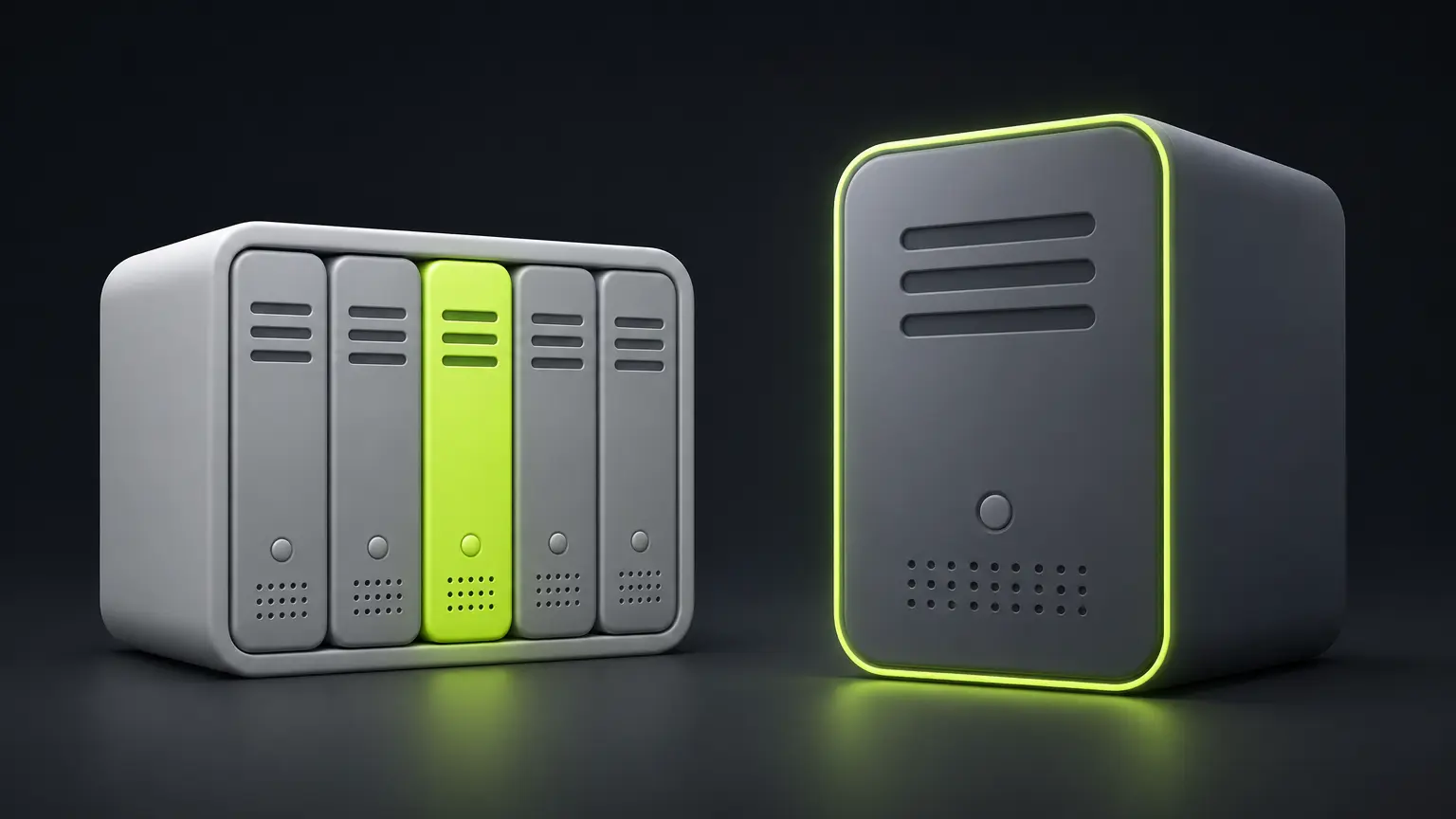
A VPS (virtual private server) is a virtual machine on a physical server that the provider shares between several customers. You get a fixed share of CPU, memory and storage, and full control of your own operating system. A dedicated server is a whole physical machine rented to you alone: every core, every disk and all of the memory are yours.
For most websites, apps and small businesses, a VPS is the better starting point. It is cheaper, ready in minutes and easy to resize. A dedicated server earns its place when a workload needs sustained, unshared performance: databases that run hot all day, heavy batch jobs, very large memory, specific hardware, or rules that forbid sharing a machine.
The differences at a glance
| VPS | Dedicated server | |
|---|---|---|
| Hardware | A share of one machine, via a hypervisor such as KVM | The whole machine |
| CPU | Usually shared vCPUs; dedicated vCPUs cost more | Every physical core, no neighbours |
| Typical starting price | A few dollars a month | Usually tens of dollars a month and up |
| Setup time | Minutes | Minutes for in-stock bare metal, hours to days for custom builds |
| Resizing | A few clicks, often with a short reboot | New hardware, which usually means a migration |
| Hardware failure | The provider moves or restarts your VM | A disk or part is replaced; RAID and backups are your safety net |
| Snapshots | Usually built in | Usually up to you |
| Billing | Often hourly or monthly | Monthly, sometimes with setup fees or a minimum term |
Performance: where the difference really shows
The biggest practical difference is consistency, not peak speed. A modern VPS core can be as fast as a dedicated server's for a short task. The difference appears over time.

Shared vCPUs are slices of physical cores that other customers also use. When your neighbours are busy, or when you use more than your plan's share, your virtual CPU waits for its turn. Linux reports this waiting as steal time: st in top and vmstat, %steal in mpstat and sar. Occasional steal of a few percent is normal. Steal that stays high while your server is busy means you are not getting the CPU you think you are.
Dedicated vCPUs on a VPS or cloud instance reserve whole cores (or hardware threads) for you, which removes most of that variability while keeping the convenience of a virtual machine. They usually cost several times as much as the shared plan with the same core count. In our catalog, for example, shared 2 vCPU / 4 GB plans start around $5 a month, while dedicated-CPU plans of the same size are listed at roughly $21 to $51 a month (see the price explorer for current prices and check dates).
Storage and network follow the same pattern. On a VPS the physical disks and network card are shared, so heavy disk use by another tenant can affect yours, and providers often cap IOPS or throughput. On a dedicated server you get the disks' full speed, and you can often choose the disk layout, such as several NVMe drives in RAID.
Memory is not shared in the same way: if a VPS plan gives you 8 GB, you have 8 GB. But very large memory sizes (128 GB, 256 GB or more) are far cheaper per gigabyte on dedicated hardware.
Cost: what you pay for, and what you pay in time
Per unit of resource, a dedicated server is often cheaper than an equally large VPS, especially for CPU-heavy work. The catch is the minimum size: the smallest dedicated machine is usually much larger, and more expensive, than a small VPS. If you need 2 GB of memory, a dedicated server wastes most of what you pay for.
The hidden cost is your time. With a VPS the provider handles the hardware, and features such as snapshots, private networks, firewalls and backups are a setting in the control panel. With a dedicated server you plan the disk layout, monitor disk health, keep backups somewhere else, and arrange the replacement when a part fails. Managed dedicated servers move that work back to the provider for a higher monthly fee.
Also check: setup fees, minimum contract terms, the cost of extra IPv4 addresses, remote console (IPMI or KVM-over-IP) access, and how quickly failed hardware is replaced.
Reliability and recovery
A VPS runs on hardware that you never see. If that host fails, the provider can usually restart your VM elsewhere, sometimes automatically. Snapshots let you roll back a bad update in minutes. But you depend on a shared platform: a problem with the host or its storage can affect many customers at once.
A dedicated server has fewer moving parts between you and the hardware, and nothing else on it can interfere. But when a disk dies, your data is safe only if you planned for it. RAID keeps the server running through a disk failure; it is not a backup, because deleted files, corruption and ransomware are copied to every disk at once. Either way, keep backups on separate infrastructure and test restoring them.
When a VPS is the right choice
- Websites, blogs and WordPress, including busy ones with good caching.
- Web apps, APIs and SaaS products at an early or moderate scale.
- Staging, development, CI runners and test environments that come and go.
- Anything where traffic is unpredictable and you want to resize quickly.
- Several small projects, each isolated on its own small server.
- When you do not want to manage hardware at all.
When a dedicated server makes sense
- Sustained heavy CPU: video encoding, scientific computing, build farms, game servers with many players, analytics jobs that run for hours.
- Busy databases whose performance depends on steady disk I/O and a lot of memory.
- Large memory or storage at a lower cost per GB than cloud plans.
- Predictable latency where variation from neighbours is unacceptable, such as real-time trading or voice.
- Software licensed per physical server or socket, or hardware you need to choose yourself (specific CPUs, GPUs, many disks).
- Compliance or contract rules that require single-tenant hardware.
The middle options
The choice is not only between two products.

- Dedicated-vCPU cloud instances. Reserved cores without leaving the cloud, with snapshots, resizing and hourly billing. A good step when shared vCPUs show steal time but you are not ready for hardware.
- Bare-metal cloud. Physical servers ordered through an API and billed hourly or monthly, ready in minutes when the configuration is in stock.
- A larger VPS plus scaling out. Two or three mid-sized VPSs behind a load balancer often cost less than one large dedicated server, and can survive the loss of one machine if the app keeps no state on the servers and its database is replicated.
Signs it is time to move up
Measure before you upgrade. These are the signals that a different kind of server, not just a bigger VPS, would help:
- Steal time stays high (for example, consistently above 5 to 10%) while your server is busy, and response times rise with it.
- CPU is at or near 100% for long periods, not just in short spikes.
- Disk I/O wait (
waintop) is high and storage is the bottleneck, even after tuning and caching. - The next VPS size up costs more than a dedicated server with more resources than you need.
- You need hardware a VPS cannot give you: particular CPUs, GPUs, large RAID arrays or very large memory.
If none of those apply, a larger or dedicated-CPU VPS is usually the cheaper and simpler fix.
Bottom line
Start on a VPS unless you already know your workload is heavy and steady. Move to dedicated vCPUs when shared CPU becomes the bottleneck, and to a dedicated server when you need the whole machine's performance, memory or disks, and are ready to take responsibility for the hardware or pay for it to be managed.
The VPS resource planner estimates what your software needs, and the price explorer lets you filter current plans by vCPU, memory and price.